Document Management
Organize legal records, contracts, scanned documents, and matter files in a Windows-based electronic filing system that keeps documents accessible without relying on proprietary databases.

FileCenter helps in-house legal departments bring order to contracts, matter files, policies, discovery documents, and compliance records with affordable document management software. Centralize digital filing, scan paper records, search across OCR text, edit PDFs, and automate naming or routing without expensive enterprise systems or recurring subscription fees.
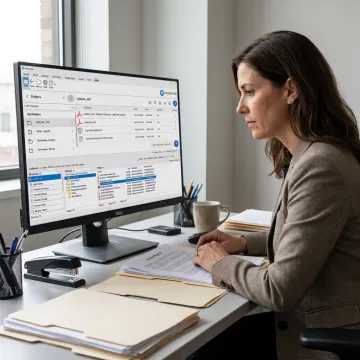
FileCenter centralizes legal documents, automates filing, improves search, and streamlines PDF and scanning workflows.
Organize legal records, contracts, scanned documents, and matter files in a Windows-based electronic filing system that keeps documents accessible without relying on proprietary databases.
Automatically name and route documents using content, barcodes, or workflow rules, helping legal teams reduce misfiling and maintain consistent matter-based organization.
Store long-term legal, compliance, and business records in centralized archives that remain searchable, accessible, and easier to retrieve during audits or reviews.
Automate repetitive tasks such as OCR processing, PDF conversion, routing, and filing so legal operations teams spend less time managing documents manually.
Create, edit, annotate, merge, split, and organize PDFs within FileCenter, supporting everyday contract review, record preparation, and legal document handling.
Locate documents quickly using filename, metadata, and full-text OCR search across large repositories of contracts, correspondence, scanned records, and compliance files.
In-house legal teams need fast access to accurate records without overpaying for complex enterprise platforms. FileCenter combines electronic filing, scanning, OCR, PDF editing, automated routing, and standardized folder structures in one affordable system. It helps legal operations reduce clutter, improve searchability, and keep matter-related documents organized for daily work, audits, and compliance demands.
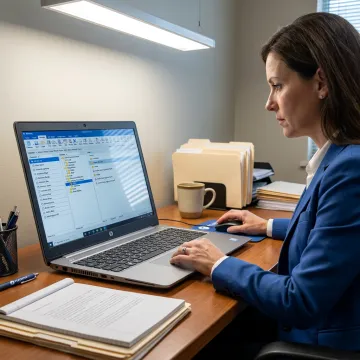
See how document-heavy teams simplify filing, scanning, PDF work, and retrieval with FileCenter.
FileCenter combines affordability, practical automation, and legal-ready document tools.
One-time purchase pricing helps legal departments avoid recurring subscription costs and budget creep.
OCR, scanning, PDF editing, Bates stamps, and barcode support fit legal documentation workflows.
Standard, Pro, and Pro Plus editions scale from individual users to multi-user deployments.
Automated naming, routing, and search help teams find critical records faster.
Practical document tools for legal operations teams.
FileCenter is built for professionals and organizations that manage large volumes of documents but want a simpler, more affordable alternative to enterprise document management software. Its platform brings together scanning, OCR, PDF editing, automated naming, routing, folder templates, and searchable filing in a familiar Windows-based environment. For in-house legal departments, that means less time chasing contracts, matter records, policies, and compliance files across disconnected systems. FileCenter’s positioning as a low-cost leader reflects a practical vision: deliver professional-grade document tools, scalable editions, and deployment options without forcing teams into high-cost subscriptions or unnecessary complexity.
FileCenter gives legal teams a Windows-based electronic filing system for organizing matters, contracts, correspondence, scanned records, and PDFs. Instead of relying on scattered folders or proprietary databases, teams can standardize filing structures, search document content with OCR, edit PDFs, and route files into the right locations with less manual effort.
Get guidance on the right edition for your legal team.

Risk-free evaluation for every edition.
Built for legal filing and compliance workflows.
Enterprise-grade features at accessible pricing.
Tell us how your legal team stores, scans, searches, and shares documents today, and we’ll help identify the FileCenter edition that fits your workflow.
To help us assist you faster, please include the reason for your message so the relevant team can reach out as soon as possible.
To help us assist you faster, please include the reason for your message so the relevant team can reach out as soon as possible.